Preventing item duplication and client spoofing in multiplayer s&box games
Why the host in a multiplayer s&box game should decide inventory moves, ammo and hits, and how clients can still get instant feedback.
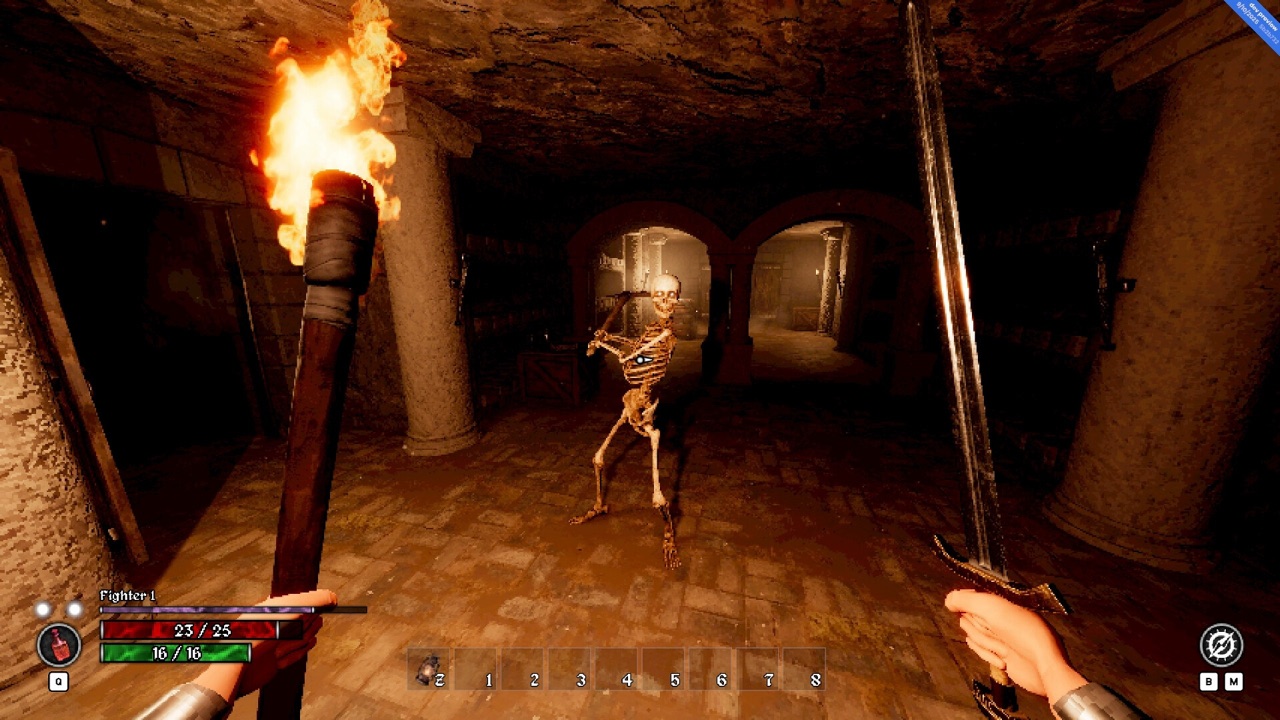
This article shows how your host can stop two exploits in multiplayer s&box games: item duplication and spoofed weapon damage. In any networked game, treat every message from a client connection as untrusted input. In s&box, much of that checking is up to your game code. Facepunch's networking documentation says the system is purposefully simple. It also says the initial aim is not a bullet-proof server-authoritative system.
The basic rule: the host holds the truth
In a host-authoritative s&box design, the host holds the single source of truth for gameplay state. That includes inventory slots, stack counts, magazine ammunition and cooldown timers. The host is either a dedicated server or the player who hosts a lobby. For your own components, you build this yourself. The engine's built-in inventory and weapon components already do part of it, as the next two sections explain.
By default, the owner of an object controls its [Sync] properties. Keep values the host must decide on an object the host controls, such as one with no owner, or mark them [Sync( SyncFlags.FromHost )]. Only the host may change a FromHost value.
Two mistakes are easy to make when you turn a single-player prototype into a multiplayer game. The first is marking gameplay-critical state with [Sync] on an object a client owns. That client writes the value, and the engine checks only that the writer owns the object, not what it writes. The second is trusting prices, item IDs or target health values that a client sends as RPC arguments. That applies to [Rpc.Host] methods as well as [Rpc.Broadcast] methods. Any client can call an RPC that has no flags.
Atomic inventory moves and race conditions
When a player drags an item between slots or fires a weapon, the client sends a short intent RPC to the host. The host uses Rpc.Caller to check that the caller owns the container. It checks that the source slot holds the item and confirms cooldowns and range. Then it applies the state change in one atomic step.
The engine's built-in BaseInventoryComponent already works this way. Its API reference says clients request changes and the host applies them. MoveSlot is routed through the host, and the engine rejects the request from anyone but the inventory's owner. The Transfer method moves an item into another inventory and runs on the host only. Your game decides who may ask for a transfer.
Item duplication bugs can come from non-atomic split or swap operations. For example, the host checks that Slot A holds the item. Then it awaits an asynchronous save, such as an Http request to your own backend, before it removes the item. A second request that arrives during the wait passes the same check, and the item can end up in two places. Async tasks in s&box run on the main thread, much like coroutines. Other code runs while a method waits on an await.
Keep each check and change in one synchronous method on the host, with no await between them. Validate slot indexes and stack bounds. Then change the synced collection, such as a NetList or NetDictionary, in the same step. Keep that collection where only the host can write it: on an object the host controls, or in a property marked [Sync( SyncFlags.FromHost )]. A plain [Sync] write made where IsProxy is true is silently discarded. The engine's own inventory keeps its reserve ammo in a NetDictionary marked [Sync( SyncFlags.FromHost )]. After the change, save it through a background queue that writes each transfer as one transaction.
This removes race-condition dupes between requests while the game runs. It does not make every dupe impossible. In a lobby, running async methods on the host are lost when the host leaves and another player takes over. A host crash ends the game for everyone, so queued saves can be lost. The analyzers that ship with the engine warn about these patterns. SB3006 flags an await or async call in host-only code, including [Rpc.Host] methods, so it also flags an async save started there. That warning is a reminder that the save is lost if the host leaves. SB3005 flags a [Sync] property written after an await. The analyzers are off for projects that end the lobby when the host leaves.
Checking weapon fire and hits on the host
Never let a client send an RPC that says DealDamage(targetId, 95). Instead, the client sends its intent through an [Rpc.Host] method you write, such as RequestFireWeapon(aimDirection, clientSendTime). The host uses Rpc.Caller to find the calling player. It checks that the player is alive and holds a loaded weapon. It checks the fire rate, for example TimeSinceLastShot >= FireInterval, and that the view angle is plausible.
The host then decrements the magazine counter. It runs the authoritative trace on its own scene, for example with Scene.Trace.Ray. That trace sees each target where the host sees it, which can differ from what the shooter saw. Moving targets back in time to make up for latency is called lag compensation. You write it yourself: we found no built-in lag compensation in the s&box documentation. clientSendTime only matters if your lag compensation code uses it. For responsive hit-scan weapons, the client plays the muzzle flash, tracer and firing sound right away. The host still decides whether the shot hit.
The engine's built-in BaseCombatWeapon takes a different route. The holding player fires at once and traces its own shots. The hits travel to the host as claims, and the host applies the damage. Facepunch calls this host authoritative because the host decides whether to accept each claim. The client reports everything in a claim, including the damage. By default, the host accepts every claim whose numbers are valid, for example finite and not negative. If you use this weapon, override OnValidateShotClaim and reject claims your game considers impossible. Check the damage and range against the weapon's own settings, and check the claim rate against its fire rate. The weapon's magazine count, Clip1, is owned by the host. The owner spends rounds locally for instant feedback, and the host's mirrored count is the truth.
Check the Facepunch documentation for the engine version you build on. Its Sync Properties, RPC Messages, Host Migration and Weapons pages cover the behavior described here.
Related: netcode generator.
All news · Guides · Follow @sboxlist on Instagram and TikTok.
Comments
No comments yet.