How to join a roleplay server in s&box
How to connect, what Valve SDR Relay on a server row means, and how to stop voice chat from cutting off your first word.
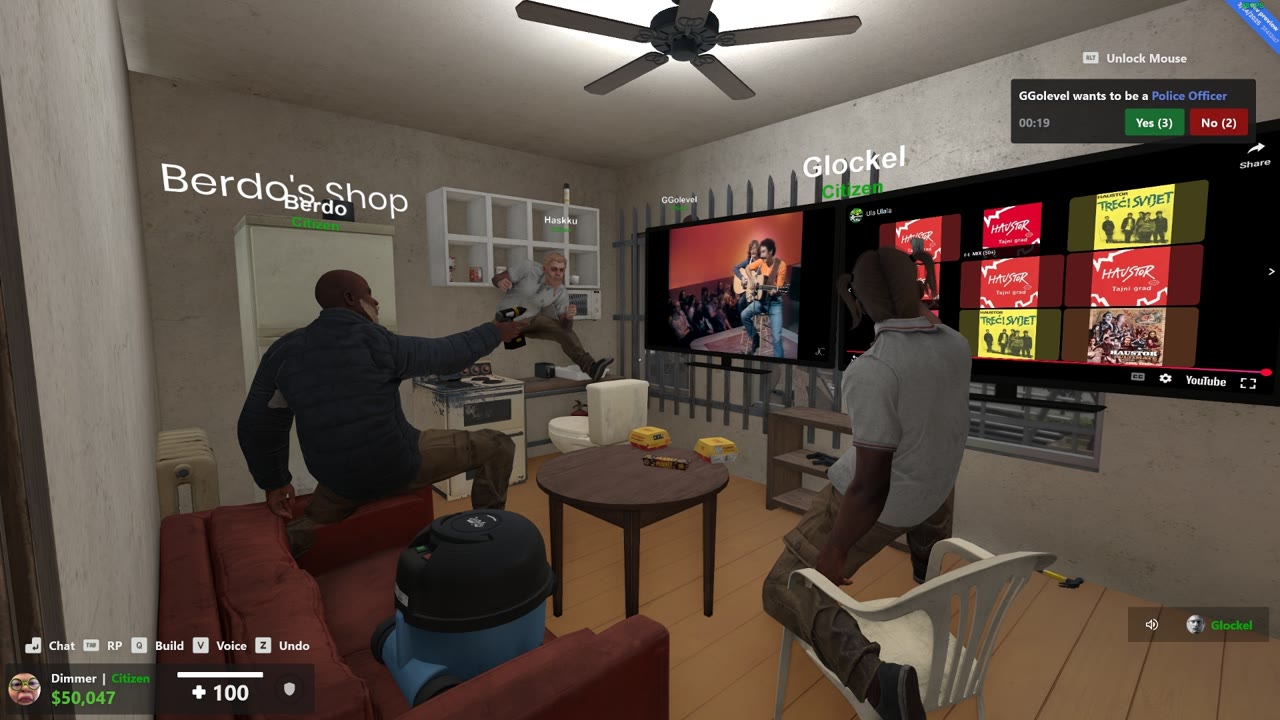
Roleplay communities in s&box—ranging from regimental Star Wars RP (codira.starwarsrp, newtype.war_in_the_stars_rp) to urban DarkRP and City RP (dxura.rp, tony626.darkrp2, thieves.rpdowntown3t, stenda.horizonrp)—run on 24/7 dedicated servers so character banks, faction whitelists and job ranks remain available around the clock. This note walks through how connecting, package streaming and voice chat work for players joining a dedicated RP server.
You don't need to download anything first
In s&box, a server reports both its active game-mode package (org.ident) and its current map package. You do not need to hunt down separate workshop collections before connecting. When you join a server running codira.starwarsrp or dxura.rp, the Source 2 client fetches the exact package version and map required by that host automatically.
Direct IP or the Valve relay
On /modes/genre/roleplay and the main server list (/), each online server shows either a public IP:port with a Copy button or a Valve SDR Relay badge. When a server publishes a direct public IP and port, click Copy, open the s&box developer console (~), and run connect <ip:port> to join immediately.
Some dedicated hosts route traffic through Valve's Steam Datagram Relay (169.254.x.x link-local relay addresses) for DDoS protection and relay routing. Because link-local relay addresses are session-specific rather than static public IPs, sboxlist labels them as Valve SDR Relay. To join an SDR server, copy the server's name from sboxlist and select it inside the in-game s&box server browser.
Voice chat and Push to Talk
Since s&box update 26.11.10, platform voice chat includes automatic gain control (AGC) with a 100 Hz high-pass filter, an independent Incoming Voice Volume slider, and a Streamlined Push to Talk setting that keeps slow-waking USB or Bluetooth microphones open between key presses without transmitting noise. On roleplay servers where street conversations, police stops and battalion briefings rely on directional audio, turning on Streamlined Push to Talk in your s&box audio settings eliminates the half-second cut-off at the start of a sentence.
Votes and in-game rewards
Every listed server on sboxlist can accept one vote per player per UTC day. Communities running the open-source prioxystudios.sboxlist (1.0.0) C# library poll votes over outgoing HTTPS and can credit in-game starting cash, job tokens or supply crates automatically—either right away while you are online on the server, or on your next join after voting from a phone or web browser. Browse live roleplay servers at /modes/genre/roleplay or read the full player guide at /guides/sbox-darkrp-and-roleplay-servers-guide.
Related: roleplay servers.
All news · Guides · Follow @sboxlist on Instagram and TikTok.
Comments
No comments yet.