s&box 26.09.15: the Painter drawing API and sharper text
Highlights from s&box update 26.09.15 (September 15, 2026). It adds the Painter drawing API, GPU text rendering from glyph outlines and two editor mapping features.
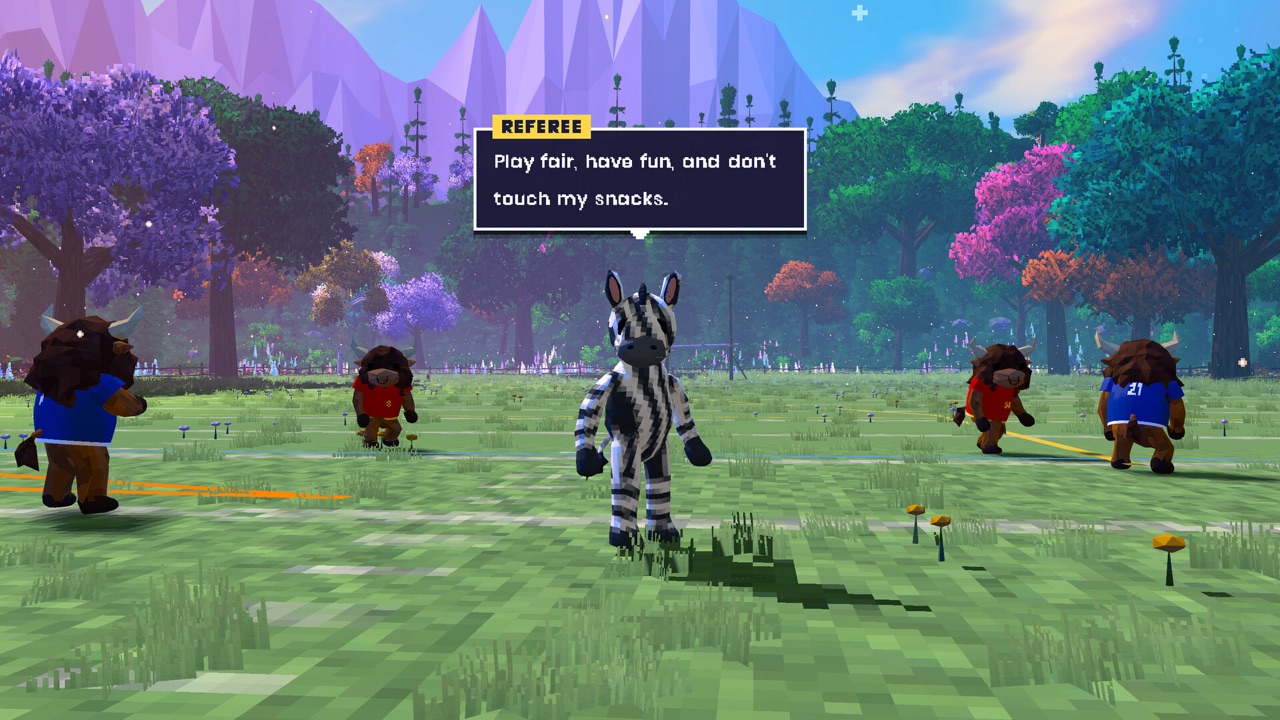
The s&box update of September 15, 2026 (26.09.15) adds a new 2D drawing API, sharper text rendering and two editor mapping features. This unofficial summary is based on the 26.09.15 entry at sbox.game/release-notes and on Facepunch's "Update 26.09.15" news post. The Painter details come from the s&box documentation at sbox.game/dev/doc/ui/painter.
One Painter API for panels, HUDs and textures
Painter is a new shared drawing API. It can draw into panels and world panels. It can also draw into camera HUDs, textures and command lists. Each target gets its painter in its own way. A panel overrides OnDraw(Painter painter). A camera HUD or overlay uses BeginHud() or BeginOverlay() on the camera component. A texture uses Painter.Begin(texture). The same update deprecates the older HudPainter in favor of these calls. This makes custom crosshairs, radar displays and in-world signs simpler to build.
Instead of building dozens of nested panels for a dynamic tactical minimap, telemetry graph or speedometer arc, you can override OnDraw(Painter painter) on a panel and draw shapes directly. Facepunch's news post says this makes the older IPanelDraw hook redundant. The Painter documentation lists lines, arcs, circles and polygons among its shapes. All Painter drawing is batched and rendered on the GPU. A panel's OnDraw runs once per frame while the panel is visible. It draws on top of the panel's background and border and below its child panels. For a procedural texture, Painter.Begin(texture) paints into a render target. The finished texture works anywhere a texture does, for example as a material.
GPU text rendering from glyph outlines
Text in UI panels, HUDs, TextRenderer components and particles is now drawn on the GPU from the font's glyph outlines. The release notes say text stays sharp when it is transformed or viewed up close.
This helps text placed in the 3D world, such as ammo counters, shop signs and control room screens. Players often see that text at steep angles and from changing distances. Facepunch's news post says the old text was generated on the CPU and blurred under any transform. A week later, update 26.09.22 fixed flickering with many TextRenderers.
Surface-aligned blocks and mesh flipping in the editor
For level designers blocking out maps in the editor, the update adds two mapping features. In the block tool, hold Shift while dragging to create a block aligned to the surface under the cursor. New controls also flip the selected meshes. Details are in the 26.09.15 entry at sbox.game/release-notes. The "Update 26.09.15" news post shows both features in videos.
It helps to test sightlines, spawn timings and jump distances on a simple layout before detailed 3D modeling. Surface-aligned blocks help with this, because you can place cover boxes and other blocks flush on angled surfaces. To test a layout in multiplayer, the same update also adds editor tools to host sessions and spawn local instances.
All news · Guides · Follow @sboxlist on Instagram and TikTok.
Comments
No comments yet.