s&box 26.10.13: Workshop map publishing and the F11 performance window
Highlights from the October 13, 2026 s&box release notes: publishing and subscribing to Workshop maps, plus the performance window opened with F11 or perf_hub.
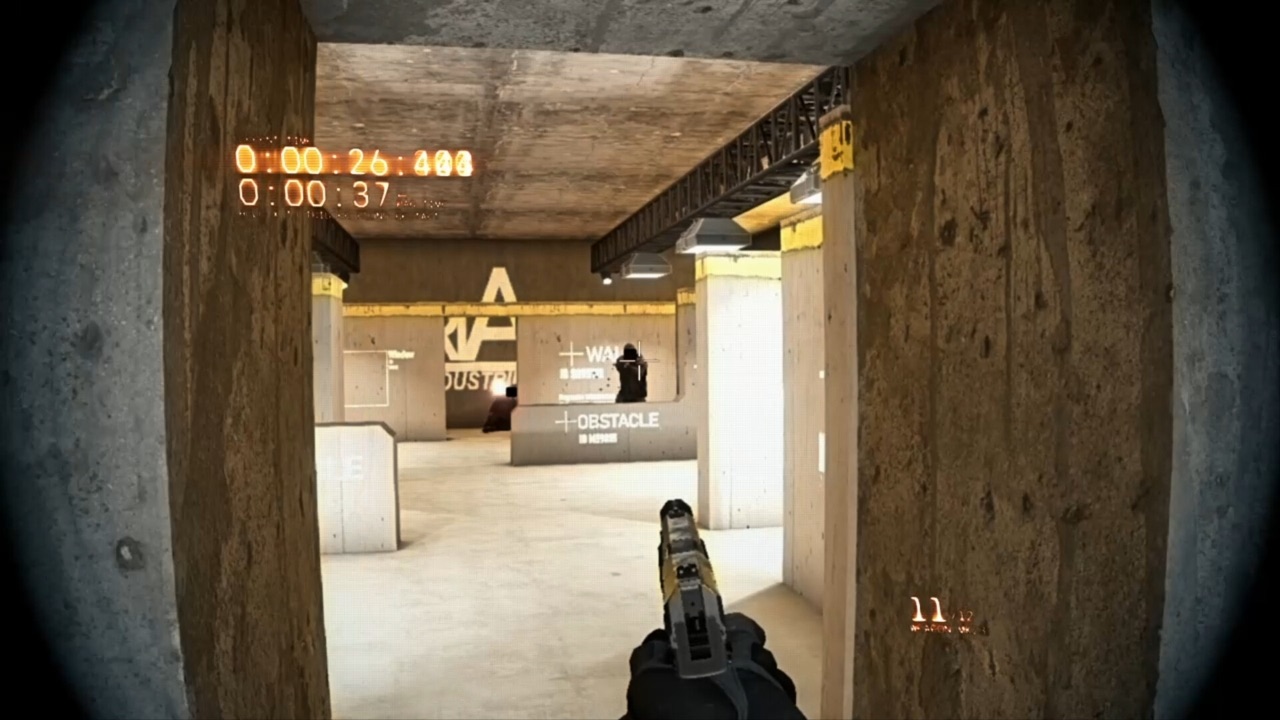
The October 13, 2026 s&box update (26.10.13) lists 140 changes in Facepunch's release notes at sbox.game/release-notes. This unofficial summary covers two of them: Steam Workshop maps and a new performance window. Facepunch's news post for the update, titled "Rethinking", covers both as well.
Publishing and subscribing to Workshop maps
Creators can now publish maps to the Steam Workshop. Players can subscribe to Workshop maps and filter the map list by Subscribed or Downloaded. A subscribed map stays downloaded and up to date, so you can play it offline. In 26.10.13, map search still ran through Facepunch's own backend, and Facepunch said it plans to move search to the Workshop as well. Facepunch asked mappers to publish their maps again so they also appear on the Workshop. It warned that after the full switch, players would no longer be able to find maps that are not on the Workshop.
Maps were already separate packages from game packages before this update. A dedicated server starts with +game <packageIdent> [mapPackageIdent], and the map package is optional. The game decides whether it uses that launch map. The dedicated server docs describe no map cycle or rotation setting.
When a player joins, the client installs the server's packages automatically. For a Workshop map, the client and the server must have the same version. If the versions differ, the client cannot join and is told that one side needs to update. After a mapper publishes a new version, keep your server's copy current, or players with the new version cannot join.
The F11 performance window
In 26.10.13, pressing F11 or running perf_hub opened a performance window. It had eight views: frame, CPU, GPU, memory, rendering, network, UI and audio. Facepunch said the window worked in both the game and the editor.
Facepunch said that before this update, these numbers were spread across many separate overlays hidden behind console variables. The same update removed the standalone overlay commands in favor of the new window. A frame hitch can come from an allocation in a component's OnUpdate, heavy Box3D physics work, a UI layout pass or expensive rendering. With all eight views in one window, you can look for the cause during a normal playtest.
Two weeks later, update 26.10.27 expanded the window into F11 Dev Tools. F11 now opens a dock at the bottom of the game, and you can pop it out into its own window. Dev Tools also include the console. In Facepunch's public engine code as of November 2026, the console command is devtools. The audio tab shows only in the editor or when cheats are enabled.
Profiling before launch
The dev tools window does not run on a dedicated server itself. In Facepunch's public engine code as of November 2026, the dedicated server starts as a console app without a graphics window. The dev tools window does not open, and does not record frames, in that mode. From a connected client, the network view shows only the server's own reported frame rate and bandwidth. To test a game mode under load, connect test players. Then profile a game that a player hosts, or profile one of the clients.
On a client, or in a game that a player hosts, the dev tools report frame time as an average, P50, P99 and maximum. Watch the P99 value: 99 out of 100 frames take that long or less. Also watch managed allocations per second, garbage collection pauses and network bytes per second. In the same code, the dev tools flag an issue when garbage collection pauses add up to more than 2 ms in a second, or when managed allocations pass 20 MiB per second.
Your game sets its fixed update rate in its project settings. At 60 Hz, there is one fixed update every 16.67 ms. If a frame takes longer than one fixed step, the engine runs more than one fixed step in that frame to catch up. The MaxFixedUpdates setting limits how many it runs.
If the UI view shows a high cost on every frame, check your Razor panels for StateHasChanged() calls that run every frame. Look in OnUpdate on a PanelComponent and in Tick() on a Panel. Each call queues a rebuild for the next frame. Replace those calls with a BuildHash() override that combines the values the panel shows. The panel then rebuilds when those values change, and also when the cursor enters, leaves or clicks a panel with pointer-events.
Profiling with test players connected helps you find these costs before player counts climb. See the full release notes at sbox.game/release-notes.
All news · Guides · Follow @sboxlist on Instagram and TikTok.
Comments
No comments yet.